 Connected Craftsman LLC
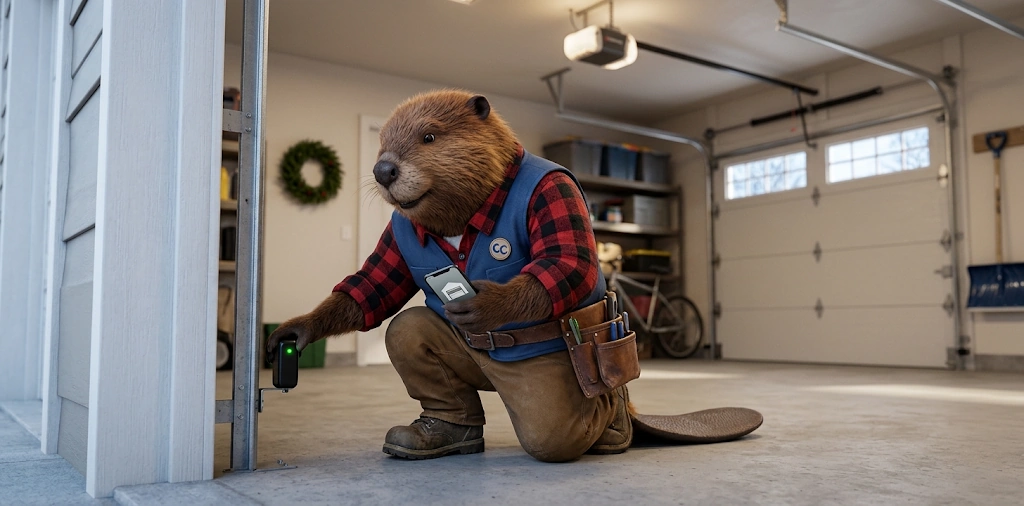
The question usually comes up around the holidays. You are three exits down the turnpike and cannot remember if you closed the garage. Or a relative is arriving before you get home and needs to get in. A garage door you can check and close from your phone solves both.
Sometimes that means a new opener. More often it does not. Here is what I would check before buying anything.
First: How Old Is the Opener?
Look at the motor unit on the ceiling. There is usually a label with a model number and a date, and the sensors at the bottom of the door tell you a lot too.
Openers made for the U.S. since 1993 have to reverse when something is in the way of the closing door. Most do it with two small "photo eye" sensors near the floor on either side of the door, no more than about six inches up, with a beam running between them. If your door has no sensors at the bottom, the opener is older than that. Do not put an old opener like that on a phone app. Closing a door you cannot see is exactly when the safety reverse matters most. That opener is due for replacement anyway.
If the sensors are there, test them before going any further. Start the door closing and wave something through the beam. The door should stop and go back up. If it does not, fix that first.
Second: Find the Learn Button
On the back or side of the motor unit, usually under the light cover, there is a small button and a light, labeled LEARN. Its color tells you which generation of opener you have, and that decides which smart add-ons will work.
On LiftMaster and Chamberlain openers, which are most of what we see in Chester County garages, a yellow learn button means a newer opener (roughly 2011 on) that most of that brand's app accessories are built for. Purple or red-orange buttons mean an older one. Many of those still work with an add-on, but check the accessory's compatibility list against your model number before you buy. Other brands have their own lists. The model number on the label is the thing to search.
Some newer openers already have Wi-Fi built in and only need the app. Check the label or the manual before you buy anything extra.
Third: The Wall Button Matters More Than You Think
On newer openers the wall button in the garage is not a plain switch. It talks to the opener digitally. That is why some universal smart controllers, the kind that wire to the same two terminals as the wall button, do not work on newer openers without an adapter, and why some brand-made smart wall controls replace your existing wall button rather than sitting beside it.
None of this is hard, but it is the part that turns a ten-minute job into an afternoon of returns. Read the compatibility notes for the exact opener model before you buy.
Fourth: Does Wi-Fi Reach the Garage?
This is where most smart garage setups quietly fail. The garage is often the farthest point from the router, behind an exterior wall, and sometimes a metal door. Stand next to the opener with your phone. If the signal is weak there, the app will show the door as offline at exactly the moment you want to check it.
If the garage is a dead spot, the fix is usually a mesh point placed inside the house near the garage wall, not a different opener.
What a Smart Garage Setup Actually Gets You
- A notification when the door opens or closes, and a way to close it from wherever you are.
- A schedule or an automatic close at a set time each night, so the door is not left open until morning.
- A way to let someone in without handing out a remote or a code.
Remember that a door closed from your phone is closing with nobody watching. That is why the working safety sensors in the first section are not optional.
When You Do Not Need to Hire Anyone
If your opener already has Wi-Fi built in, or the add-on for your model is a plug-in unit with a sensor on the door, you can set it up yourself in under an hour. Follow the app.
If the opener has no safety sensors, the sensors do not reverse the door, the add-on needs wiring at the wall button, or the Wi-Fi does not reach the garage, that is the kind of job we do across Downingtown, Exton, West Chester and the rest of Chester County. Have the model number from the opener's label handy when you get in touch. We can usually tell you what will work before you buy anything.