 Connected Craftsman LLC
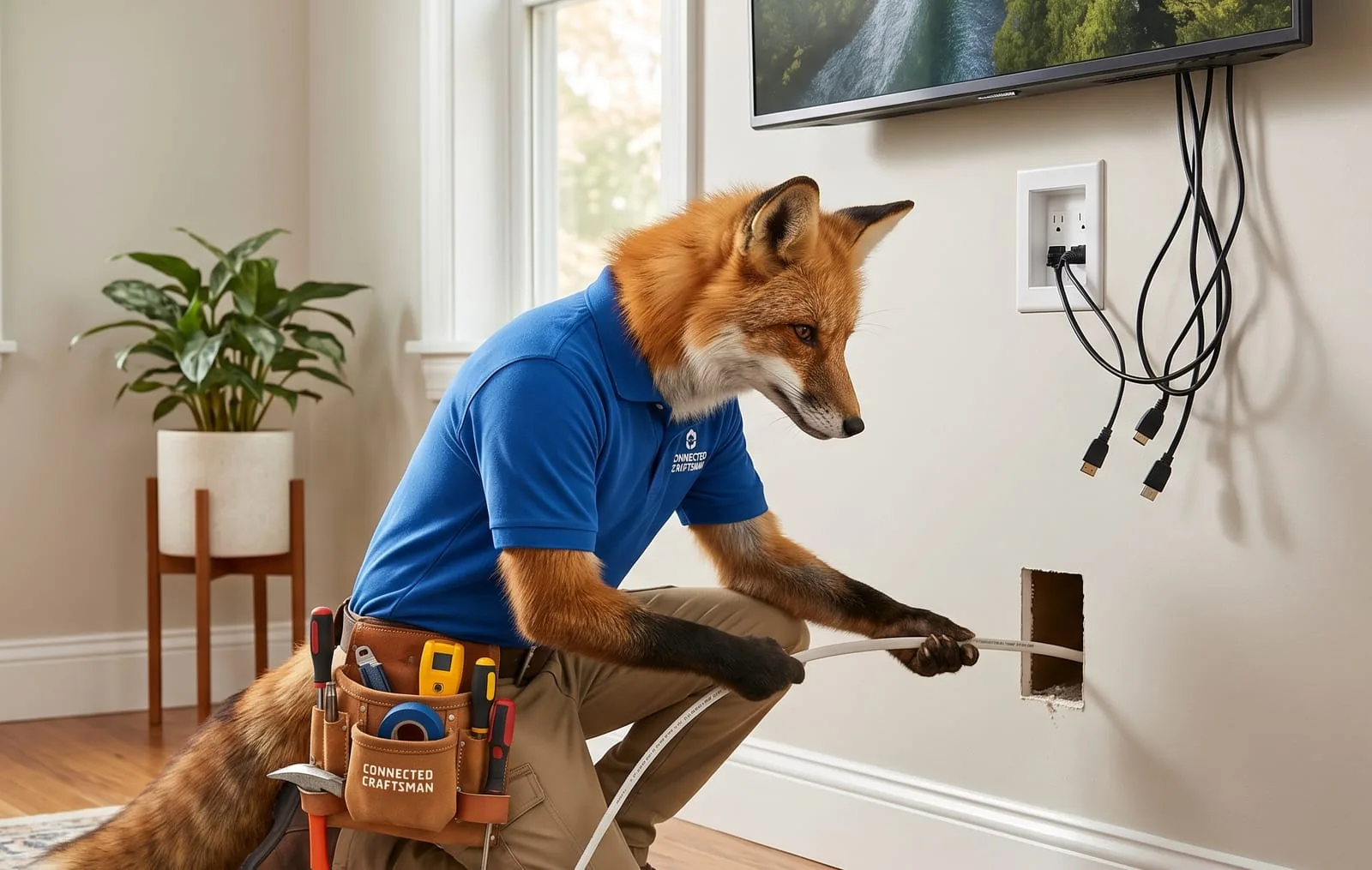
The Homeowner's Guide to Hiding TV Cords Safely
You spent the time picking out the perfect flat-screen TV, carefully located the wall studs, and mounted it perfectly level. But as you step back to admire your handiwork, your eyes drop straight to the tangled web of black power cords, HDMI cables, and streaming device wires dangling down your pristine living room wall.
A sleek wall-mounted TV can instantly modernize a room, but a mess of exposed cables completely ruins the clean, minimalist aesthetic. Luckily, getting rid of cable clutter doesn't have to be a headache.
Whether you are looking for a quick five-minute fix or a completely seamless, hidden-in-the-wall solution, here is a practical look at how to safely manage your home entertainment cords.
Option 1: On-Wall Cable Raceways (The No-Drill Quick Fix)
If you live in a rental property, have solid concrete or brick walls, or simply don't want to cut holes into your drywall, surface-mounted cable raceways (sometimes called cord covers) are your best friend.
- How they work: These are rigid plastic tracks with an adhesive backing that stick directly to your wall. You lay your cables inside the channel and snap the cover shut.
- The Aesthetic Trick: Plain white plastic channels stick out like a sore thumb on a colored wall. Buy a paintable vinyl raceway kit. Use a small leftover patch of your living room wall paint to coat the plastic cover before or after mounting it. It will blend seamlessly into the background, making it nearly invisible.
- Pros: Cheap, installs in minutes, requires no power tools, and is 100% reversible.
Option 2: In-Wall Cable Routing (The Seamless Pro Look)
If you own your home and have standard hollow drywall, running the cables inside the wall cavity provides that high-end "floating screen" look. However, this option requires careful attention to building and safety codes.
The Golden Rule: Low-Voltage vs. High-Voltage
Before you drop anything behind your drywall, you must understand the difference between your cables:
- Low-Voltage Cables (HDMI, Optical, Coaxial, Ethernet): These carry data, not high electricity. It is perfectly safe and code-compliant to run these bare through a standard interior wall cavity.
- High-Voltage Cables (Your TV's Power Cord): Never run a standard appliance power cord through a wall. Standard power cords are not insulated to handle the heat or environment inside a wall cavity. Doing so is a major fire hazard and a direct violation of National Electrical Code (NEC) rules.
How to do it safely:
To route both power and data inside the wall legally and safely, you should use an in-wall TV power extension kit (often called a "power bridge").
These kits include two recessed outlets: one that sits directly behind your mounted TV, and one that sits lower on the wall near your baseboard plug. Connect them inside the wall using the code-compliant, shielded NM-B Romex wire provided in the kit.
You plug your TV into the top outlet, drop your low-voltage HDMI cables down the built-in brush pass-through slot, and use the included external power cord at the bottom to jump-start the whole system into your existing wall outlet.
Clever Cable Management Tricks
Regardless of whether you go over the wall or through it, these quick organization habits keep the space behind your entertainment center manageable:
- Use the Right Cable Lengths: Don't try to cram a 15-foot HDMI cable into a tiny wall track if your streaming box sits only two feet below the TV. Swapping out oversized wires for appropriate lengths reduces clutter instantly.
- Velcro Straps Over Zip Ties: Group your wires together tightly behind the screen using reusable Velcro straps. Avoid plastic zip ties; if you ever buy a new gaming console or soundbar, cutting zip ties away from delicate cables risks slicing into the insulation.
- Utilize the Back of the TV: Use small adhesive cable clips or command strips on the plastic back panel of the television itself. By anchoring streaming sticks, power blocks, or excess cable loops directly to the chassis of the TV, you prevent them from sagging down and peeking out from the bottom edge of the frame.
Take Your Time and Prioritize Safety
Hiding your television cords is one of the most satisfying weekend upgrades you can make. By taking the extra step to paint your exterior tracks or utilizing code-compliant power kits for internal routing, you'll protect your home from electrical hazards while achieving a polished, clutter-free entertainment space. Turn off the breakers before dealing with outlets, grab a level, and enjoy the clean view!